Making your home salon look more professional online with a polished website
Making my salon look more professional online starts with a polished website. Learn how clear services, reviews and photos help build trust before clients book.
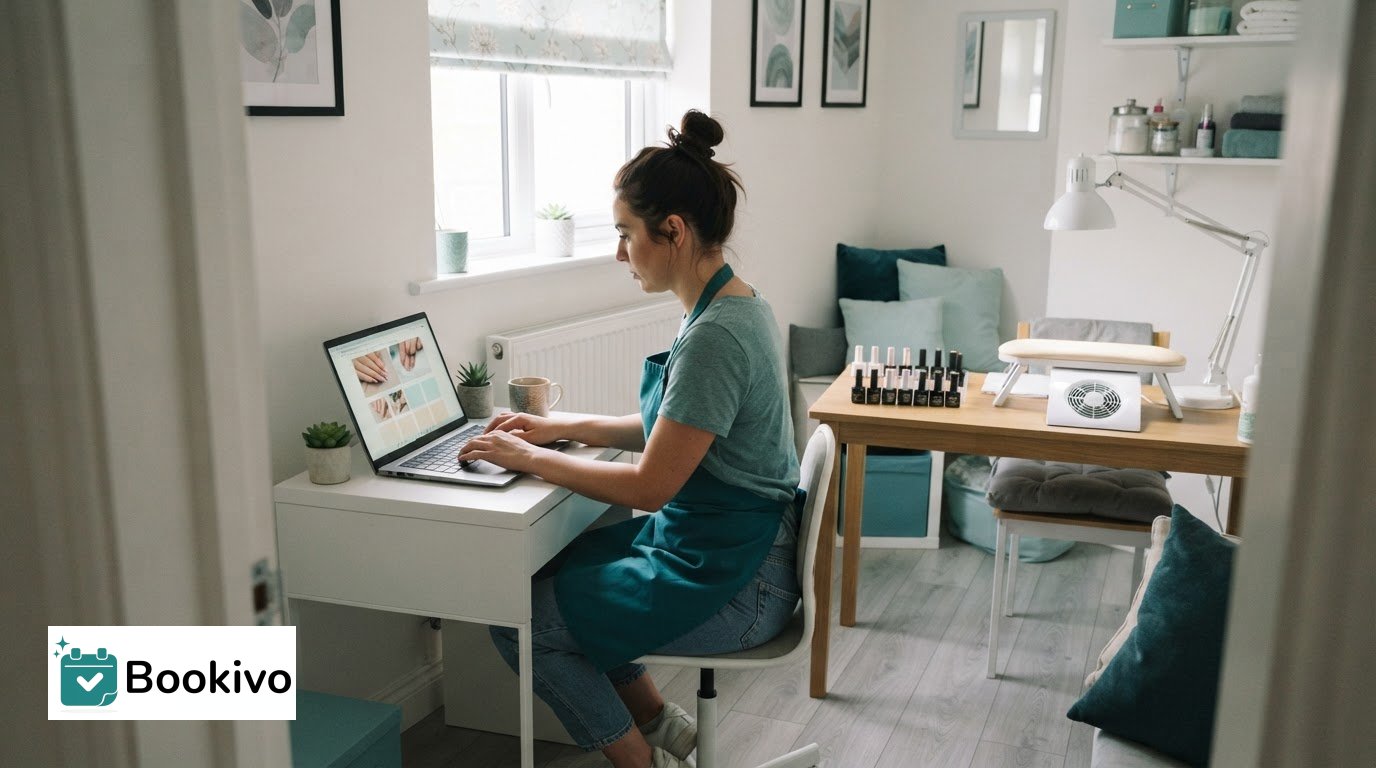
A polished website can make a home salon feel more professional before a client walks through the door. Making your salon look more professional online starts with clear service descriptions, confident photography and a design that reflects the experience you offer.
Clients want to feel reassured before booking, especially when visiting a home-based business for the first time. A website that answers practical questions and shows your work can build confidence while keeping your salon personal.
This guide covers what to include on your website, from services and contact details to reviews and photos. You’ll also find practical tips for describing your salon, choosing design inspiration and presenting your space consistently, so visitors know what to expect and how to book.
Key Takeaways
- Make your website a clear home for service details, contact information and booking, with social media supporting it rather than doing every job.
- Build confidence with genuine client reviews and clear, well-presented photos of your salon and work.
- Use Pinterest and Instagram to gather design ideas, then shape them into a consistent look that suits your home salon.
- Choose photos and descriptions that help visitors understand your space, services and what to expect when they book.
1. What should be included on a salon website?
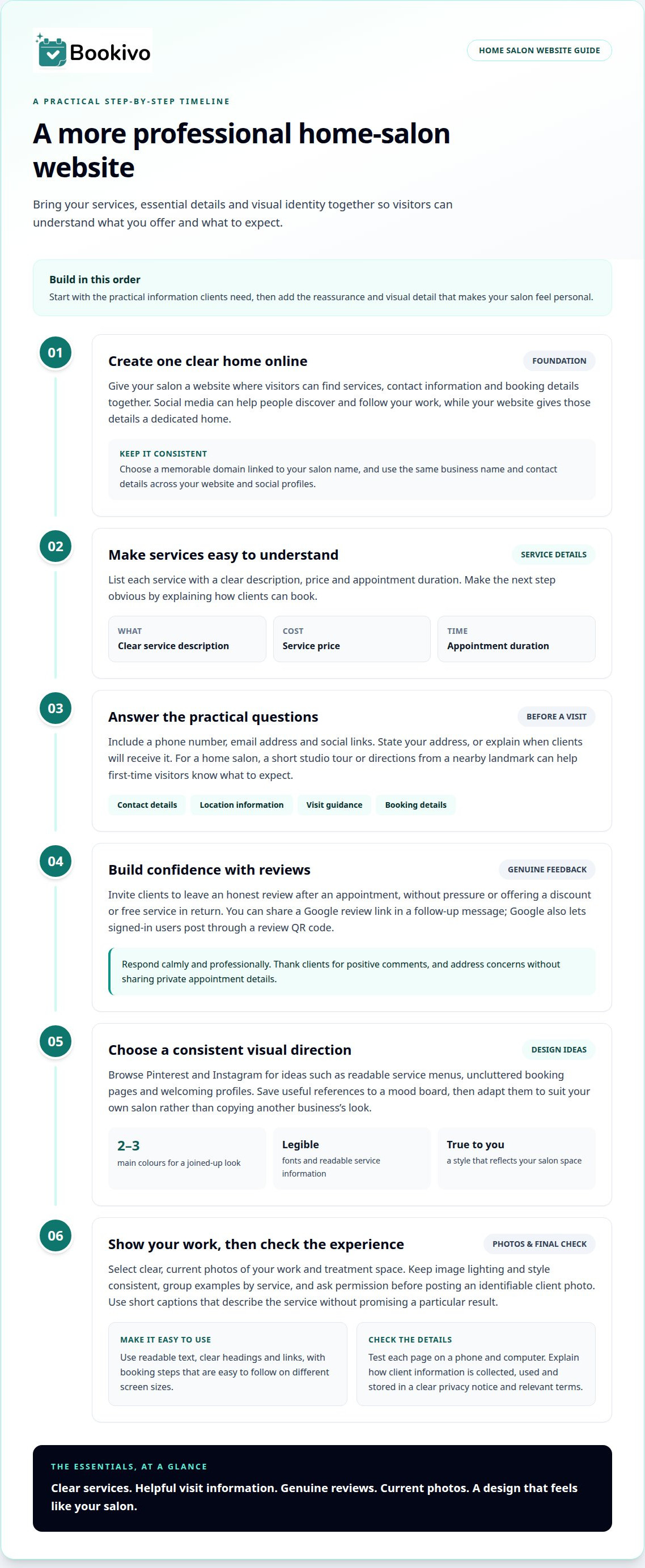
Your website gives your salon a clear home online, while social media helps people discover and follow your work. Unlike a social profile, a website can bring services, prices, appointment durations, location and booking details together in one place. Choose a memorable domain linked to your salon name, then keep your business name and contact details consistent across your website and social profiles.
Make the next step obvious. List each service with a clear description, price and appointment duration, then provide your address or explain when clients will receive it. Include a phone number, email address and social links. Online booking lets clients arrange appointments at any time, and a mobile-friendly layout makes these details easy to find on a phone.
For UK accessibility, make text readable, use clear headings and ensure links and booking steps are easy to follow on different screen sizes. For privacy, explain how you collect, use and store client information in a privacy notice and relevant terms. Keep these explanations clear and specific to the details your booking process requests.
Use social media to show first-time visitors what to expect. A short studio tour, directions from a nearby landmark or an explanation of how to find the entrance can make a home salon easier to visit. Treat your social profiles as a portfolio: group work by service, write informative captions and share recent examples that reflect the treatments on your website.
Choose a couple of social media platforms you can update consistently, rather than trying to post everywhere. Share service examples, salon updates and useful answers to common client questions. A blog post about a topic such as what a consultation involves or an in-depth treatment guide—like those shared by Laveda Lash & Brow Boutique—can provide material for social posts. Promote it through your chosen channels and review website analytics to see which pages visitors view before booking. A Google Business Profile can also show your location and website to people searching locally.
2. Building trust through reviews and photos
Reviews help prospective clients understand other people’s experiences before booking. Invite clients to leave an honest review after an appointment, without pressure or offering a discount or free service in return. Google lets signed-in users post through a business review link or by scanning its review QR code. Make it simple by sharing the link in a follow-up message.
Respond to feedback calmly and professionally. Thank clients for positive comments and address concerns without sharing private appointment details. A thoughtful response shows how you communicate, even when a review raises a difficult point. Keep replies consistent with the service and policies described on your website.
Review your Google listing and relevant review profiles to ensure your salon name, services, opening hours and contact details match. Looking at other salon listings can give you ideas for clear service categories or concise descriptions. Use them for inspiration, not as wording to copy or businesses to compare publicly.
Photos show clients what to expect. Choose clear examples of your work, your treatment space and the details that give your home salon its character. Keep lighting and style consistent, and select images that accurately represent the services on your website. Ask permission before posting an identifiable client photo.
Build a small, well-organised selection rather than uploading every image. For example, group nail designs together and keep lash examples in a separate gallery. Add short captions that explain the service shown, without promising a particular result. Check that each image is current and appropriate for the page where it appears. A polished branded booking website preview can help you picture how service information and booking details sit alongside your salon’s visual identity.
3. Finding design inspiration on Pinterest and Instagram
Use Pinterest and Instagram to gather ideas before choosing colours, fonts and layouts. Save examples from beauty businesses with clear, welcoming profiles, then note useful details such as a restrained palette, readable service menus or uncluttered booking pages. A mood board helps you compare references and decide what suits your salon, rather than copying another business’s look.
A consistent visual identity can help make your salon look more professional online. Choose two or three main colours and use them across your website and social profiles. A neutral background with one accent colour can make pages easier to scan. Choose legible fonts and place your logo consistently to create a joined-up experience.
Keep the design true to your salon. If your space is calm and minimal, avoid a busy style that suggests otherwise. Pinterest can help you organise interior and colour ideas, while Instagram shows how salons present their services. Adapt any ideas you like to suit your business.
UK salon website design and hosting costs vary according to the approach, the level of custom design and what hosting or ongoing support includes. Compare those elements when setting a budget, rather than judging a website by its initial design cost alone.
To create a professional salon website, decide what visitors need to see first, then arrange your branding, service information and booking journey around those priorities. Test each page on a phone and computer. Check headings, links and key details are easy to use on smaller screens. A mood board can help turn your design ideas into practical choices. A branded website preview can help you consider how your chosen identity might appear online.
Gather design inspiration by browsing Instagram accounts and comparing their ideas with your planned look. A mood board helps visualise your salon’s style, while browsing other salons’ online presence can provide further inspiration. Keep references together so you can assess how the choices work as a whole.
Consider choosing two or three main colours for a harmonious design. Use your mood board to assess how the colours support the look, and set aside references that do not fit your chosen direction. This helps make visual decisions more coherent.
4. Adding salon photos and descriptions
For a home salon, photos help visitors picture the setting before they book. Start with a bright, tidy view of the treatment space, then show useful details such as the entrance, waiting area or treatment chair. A clear sequence answers practical questions and gives your business profile a fuller impression than a single close-up of finished work.
Choose each image for a purpose. A manicure photo can show the finish, a room photo can show the setting, and a product display can indicate the tools or colours you use. Keep backgrounds neat and lighting consistent so the images feel like part of the same business. Avoid filters that change how your work looks.
Write a short description beside each image. Name the service, explain what the photo shows and add context a new client might need. For example: “A soft pink gel manicure, completed in the home studio.” This gives visitors clear information without promising results or relying on vague captions such as “beautiful nails”.
Make sure descriptions match the services and appointment information elsewhere on your site. If a photo shows a particular nail design, name the relevant service and direct visitors to its details. Keep captions brief, accurate and easy to scan on a phone. Add descriptive alternative text so people using assistive technology can understand the images’ purpose.
Review your pages as a first-time visitor. Check that images load, captions are readable on mobile and the route from a service example to booking is clear. Remove outdated images when your space or work changes. A small, carefully selected gallery can communicate your style better than a crowded page of unrelated images.
Bookivo
Bookivo brings a polished online presence and appointment management together for beauty businesses. Its branded booking website gives clients a clear place to view your business and book appointments, while online booking tools keep the process organised. It can be useful if clients currently have to piece together your services from social posts or messages before booking.
For a home salon, make essential details easy to find and keep booking straightforward. With Bookivo’s branded booking website, you can present your business and manage appointments while keeping the visual identity you have developed.
See what Bookivo could look like for your business. Start your free trial.
If you’d like to discuss your salon’s needs, contact Bookivo.
Give your online presence a clear next step
Your salon’s online presence can grow with your business. Choose an improvement that fits your priorities, then refine the experience as your services and visual identity develop. A clear digital foundation helps keep your business presentation and booking journey aligned.
If you’re focused on making your salon look more professional online, Bookivo offers Beauty & Salon Booking Software, Aesthetics Clinic Booking Software and an Online Appointment Booking System. These tools help you present your business consistently and manage appointments in one place.
You can take a closer look at how Bookivo might fit your salon before deciding on your next step. Keep your presentation true to the experience you want clients to have, and build from there.
Frequently Asked Questions
What should be included on a salon website?
Include the information prospective clients need to decide whether to book: what your salon does, where it operates, how to make an appointment and what happens next. A short introduction can explain who your services suit and how to contact you. Add practical visit details, such as how to find the entrance, where appropriate. Keep navigation simple so important information is easy to locate.
What should a salon website include to attract clients?
Give visitors a clear reason to choose your salon by explaining what makes your approach distinctive. For example, say whether you specialise in a particular service or offer appointments from a private home studio. Answer common first-visit questions, such as how clients receive appointment details or what to do if they need to change a booking. Clear expectations help visitors make an informed choice.
How can a salon improve its Instagram and TikTok presence?
Give each profile a clear purpose: help people understand your services and get a feel for your salon. Use concise captions to explain the context of a post, and add subtitles to videos so viewers can follow without sound. Keep your profile description current and make the route from a post to booking information clear. Ask permission before sharing identifiable client images.